
Live score overlays for OBS livestreams
Streaming a school match, a club final or a social league night? Put a professional live score on the stream for free. Score the match on a phone with any of our scoring apps, and the score, the clock and who is serving appear on your OBS stream within about a second. No account, no download, and it works for all 21 sports on the site.
Three styles
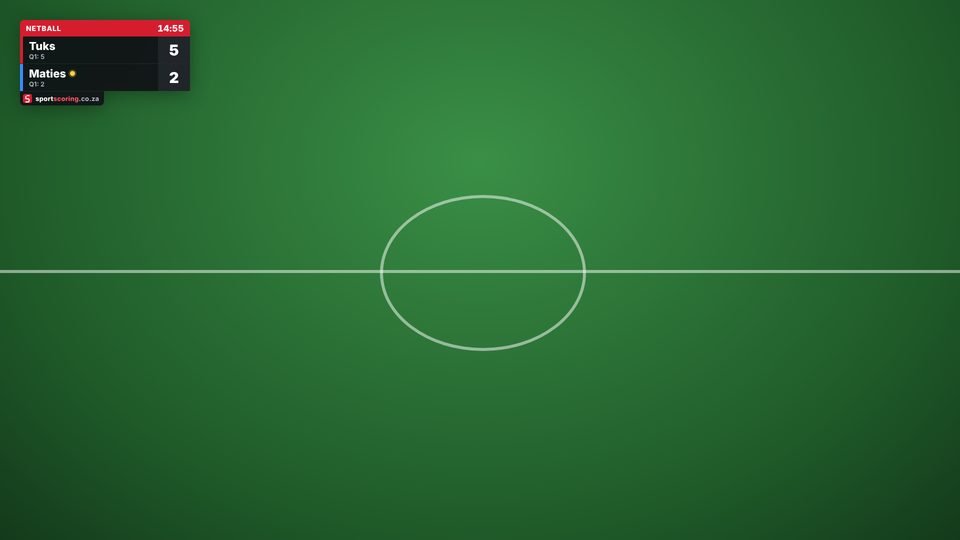
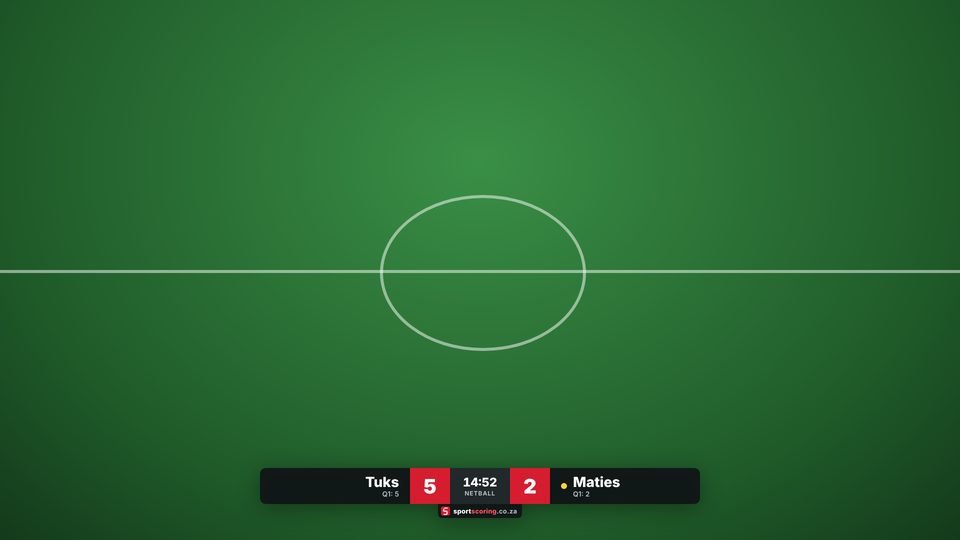
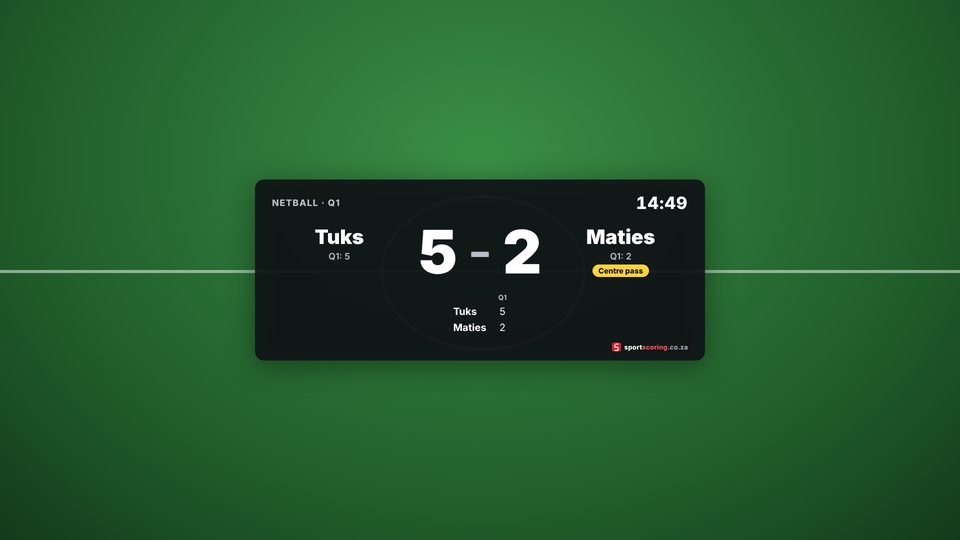
Every overlay has a transparent background and a small sportscoring.co.za credit.
Set it up in five minutes
- Open the scoring app for your sport on the phone or tablet you will score on, and set up the match.
- Tap Stream to OBS in the red bar at the top, then Start streaming. You get a six-character stream code and an overlay address such as
https://sportscoring.co.za/overlay/?code=ABC123. Choose the style and tap Copy address (or type it on the streaming computer). - In OBS Studio, click + under Sources, choose Browser, and give it a name such as "Score".
- Paste the address into URL, set Width 1920 and Height 1080 (the size of your canvas), and click OK. The overlay appears on top of your camera.
- Score the match as usual. Keep the scoring page open on the phone: the overlay follows every point, goal and card.
Streamlabs Desktop and vMix work the same way: add a Browser source (Streamlabs) or a Web Browser input (vMix) with the same address.
Scoring on the streaming computer itself
If one person streams and scores on the same computer, you don't need a stream code. In OBS, open Docks → Custom Browser Docks, add the scoring app's address as a dock, and score inside OBS. Then add a Browser source with just https://sportscoring.co.za/overlay/. Because the dock and the source share OBS's built-in browser, the overlay updates instantly, without going through our server.
Options
Add these to the end of the overlay address, separated by &:
| Option | Example | What it does |
|---|---|---|
| style | style=bar | bug (default), bar or board |
| pos | pos=tr | Corner for the score bug: tl, tr, bl or br |
| scale | scale=1.5 | Make the overlay bigger or smaller (0.4 to 3) |
| theme | theme=light | White panels instead of dark |
| accent | accent=0057b8 | Your club colour for the header and score boxes (a hex colour without #) |
| a, b | a=ffd23f&b=00843d | The colour stripe for each team in the score bug |
For example, a lower third in your club's blue, one and a half times the normal size: …/overlay/?code=ABC123&style=bar&accent=0057b8&scale=1.5.
Tips for a smooth stream
- Keep the scoring phone on mains power or a power bank, and turn off its screen lock while scoring (the apps try to keep the screen on).
- The stream code stays the same until you start a new one. For a whole day of matches on one court, keep the same code and OBS needs no changes between matches: tap Resume when you open the next match.
- If the venue's internet drops, the app keeps scoring and sends the latest score as soon as the connection returns.
- Use the board style at half-time or after the match, and switch back to the bug during play. Two Browser sources in different OBS scenes make that a single click.
- Running a tournament? Matches scored with a tournament match code can be streamed too, and the tournament draw updates at the same time.
Frequently asked questions
Does it cost anything?
No. The overlays are free, like the scoring apps. The small sportscoring.co.za credit on the overlay is how we keep it free.
Which sports work?
All of them: netball, rugby, hockey, padel, tennis, squash, table tennis, volleyball, cricket, softball, snooker, darts and every other app on the site. Each overlay shows what matters for that sport, such as sets and games for racket sports or the clock for team sports.
Can people see my stream code?
Anyone with the code can view the overlay (it only shows the score), but only the phone that started the stream can change it.